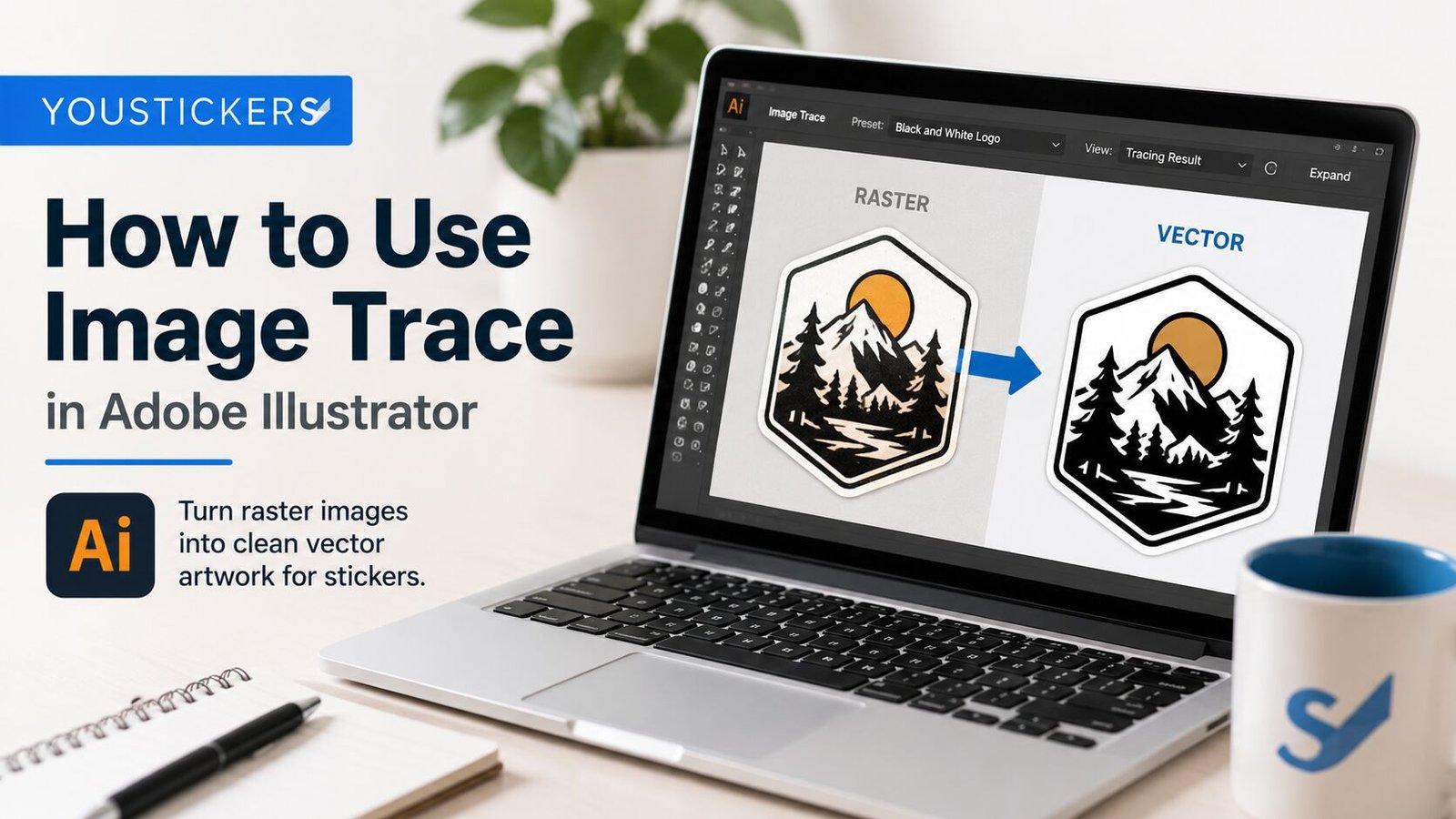
How to Use Image Trace in Adobe Illustrator for Sticker Artwork

TLDR Using Image Trace in Adobe Illustrator can help turn pixel-based artwork into cleaner vector sticker artwork, but it works best when you know what the tool is good at. A simple logo, icon, sketch, or one-color illustration can often be traced into a clean sticker file. A blurry photo, tiny screenshot, or detailed shaded […]

How to Convert a Logo to Vector for Sticker Printing

TLDR A blurry logo usually turns into a blurry sticker. That is why learning how to convert a logo to vector for sticker printing can make such a big difference before you order custom stickers, labels, decals, or packaging inserts. A vector logo is built from paths, curves, and shapes instead of fixed pixels. Adobe […]

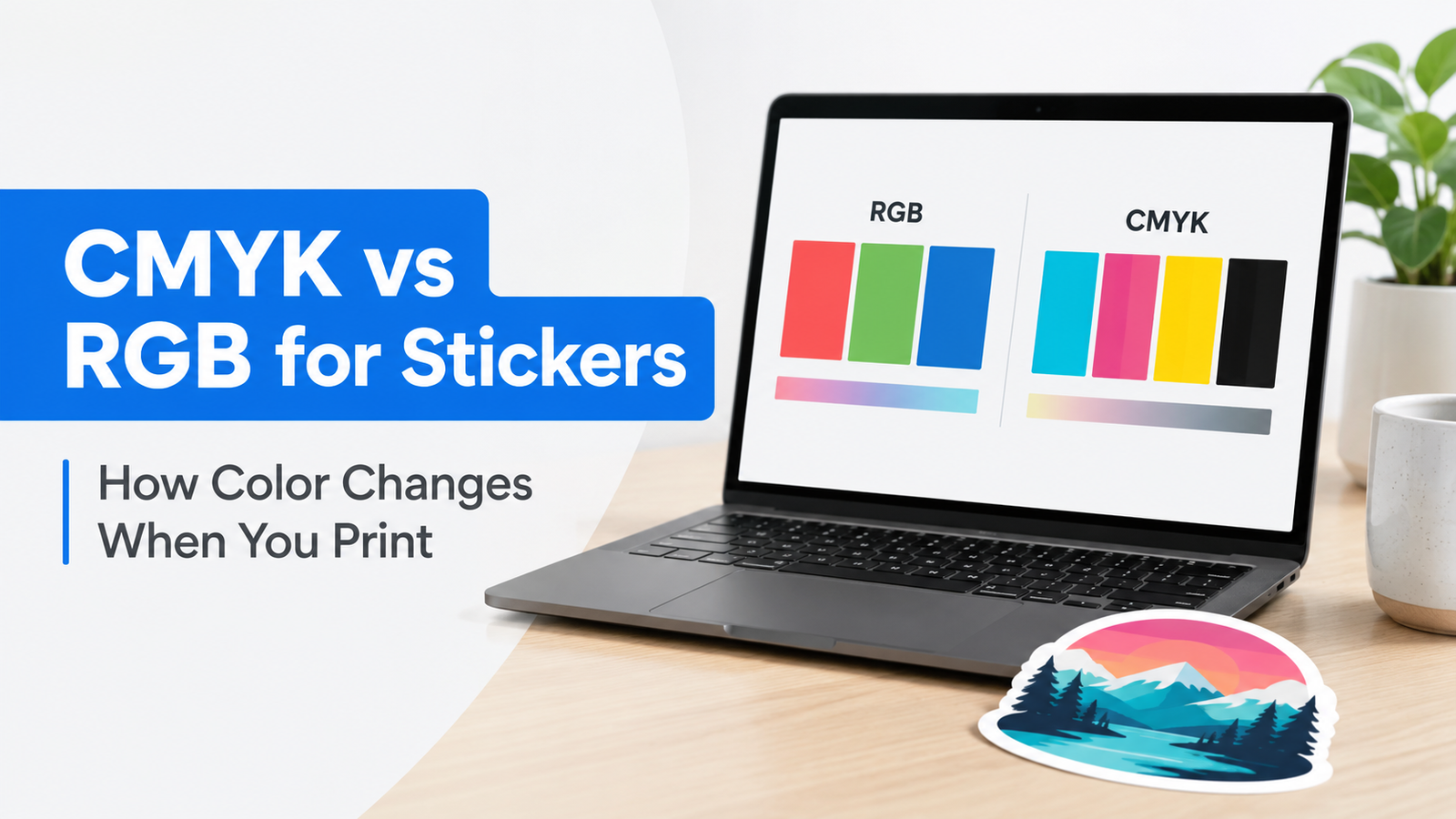
CMYK vs RGB for Stickers: How Color Changes When You Print

TLDR CMYK vs RGB for stickers can be confusing because a lot of print advice online says, “Always convert to CMYK before printing.” That advice may make sense for some offset print workflows, but it is not always the best advice for custom sticker printing. For YouStickers, the better rule is: if your artwork was […]

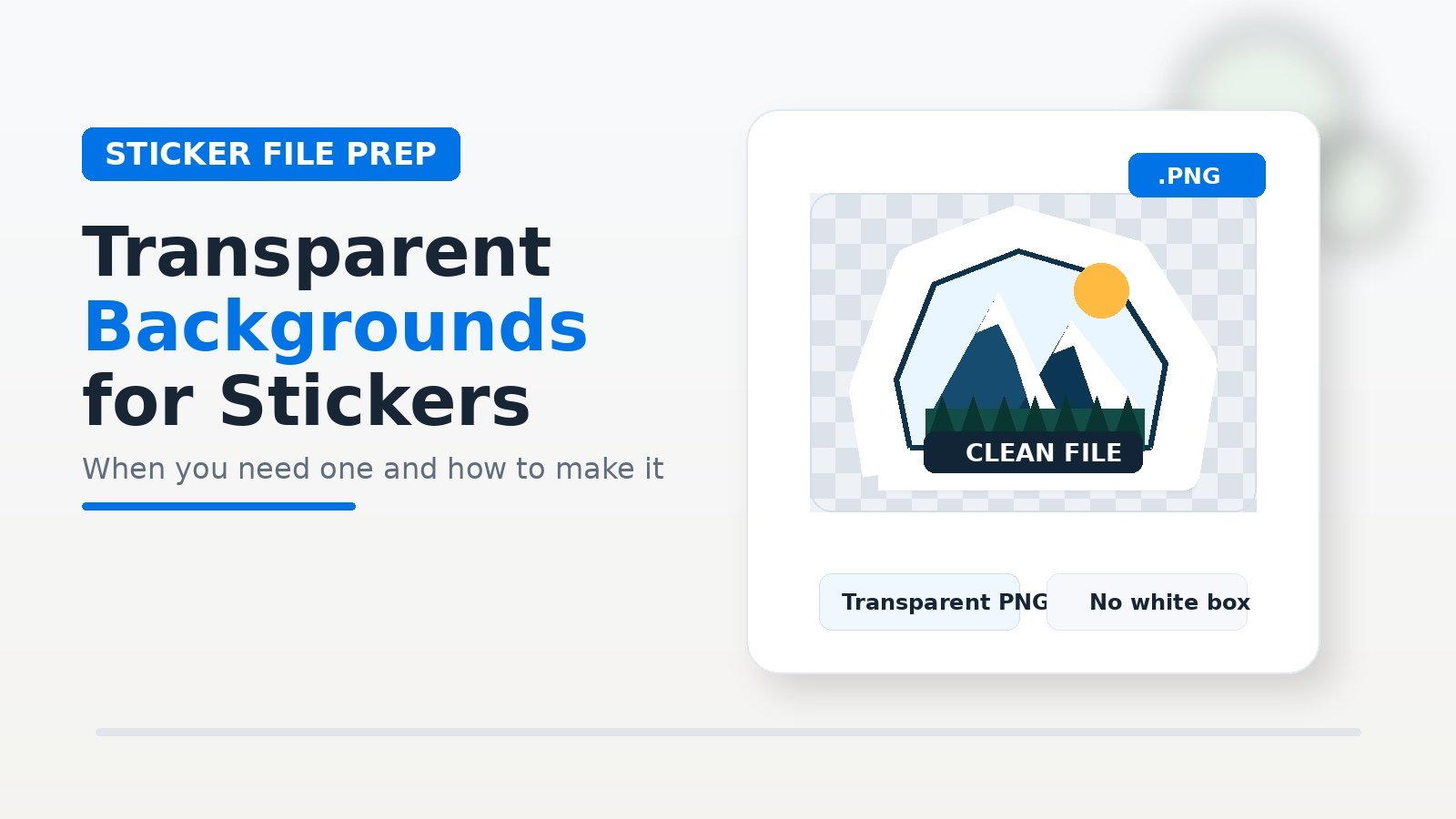
Transparent Backgrounds for Stickers: When You Need One and How to Make It

TLDR A transparent background is one of the simplest ways to make a sticker file look more professional. Instead of printing your design inside a white square, the sticker can follow the shape of the logo, character, illustration, text, or badge. But transparent backgrounds can also be confusing. A transparent artwork file is not the […]